Palm webOS
Role
UI Designer
In 2009, Palm launched the Palm Pre and webOS, introducing gestures, multitasking cards, and a unified system UI that redefined mobile interaction. I was part of the core design team shaping that experience—designing scalable UI components, icons, and key apps like the App Catalog, Data Transfer Assistant, and others that helped define how users first engaged with the platform.
The Palm Pre was a major leap forward in mobile design—pre-dating many UX patterns we now take for granted. As a UI designer, I contributed to the following:
App Catalog
Data Transfer Assistant
Desktop Applications
Third Party Apps
Icon Illustrations
These efforts helped position the Pre as a design-forward alternative to iOS and Android—and shaped how I approach product design today.
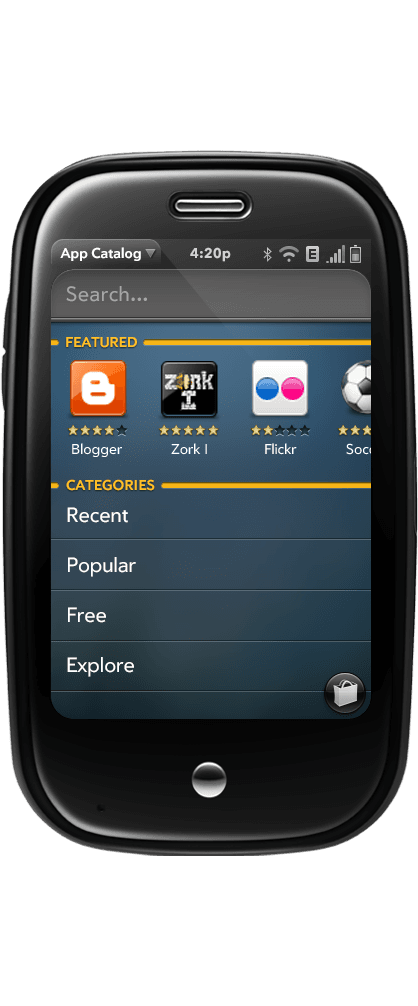
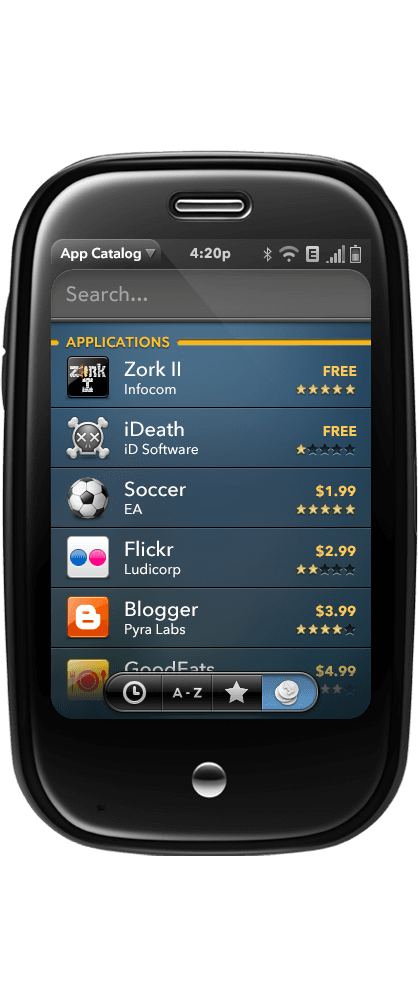
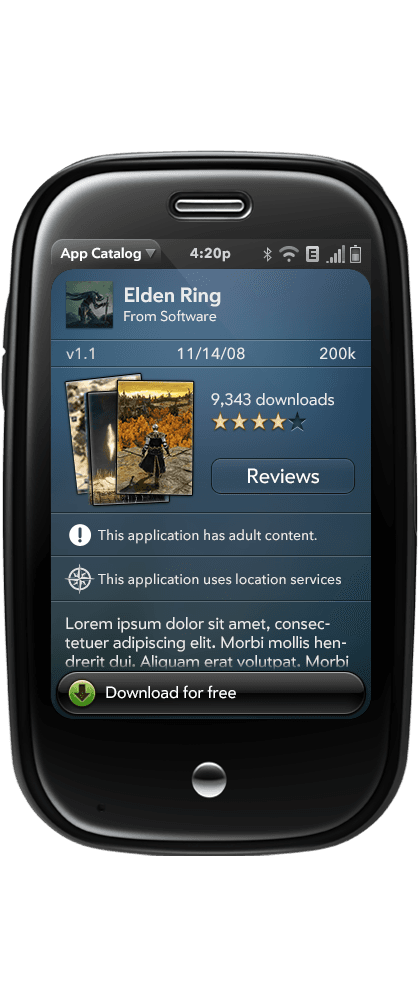
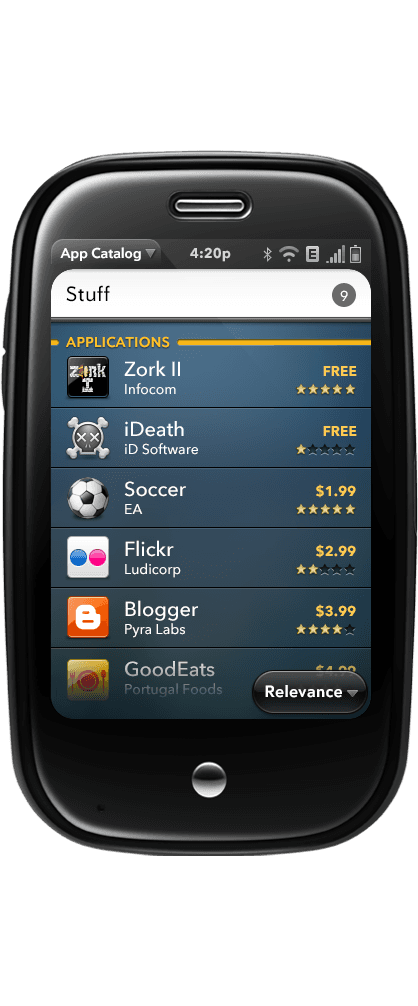
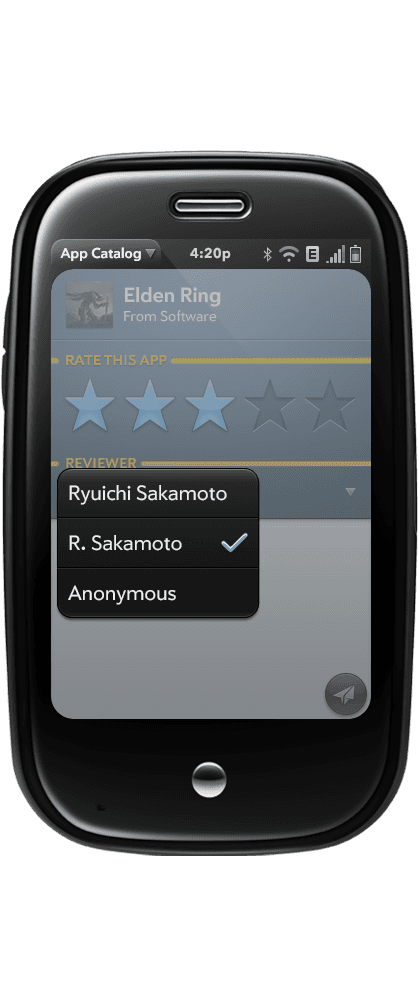
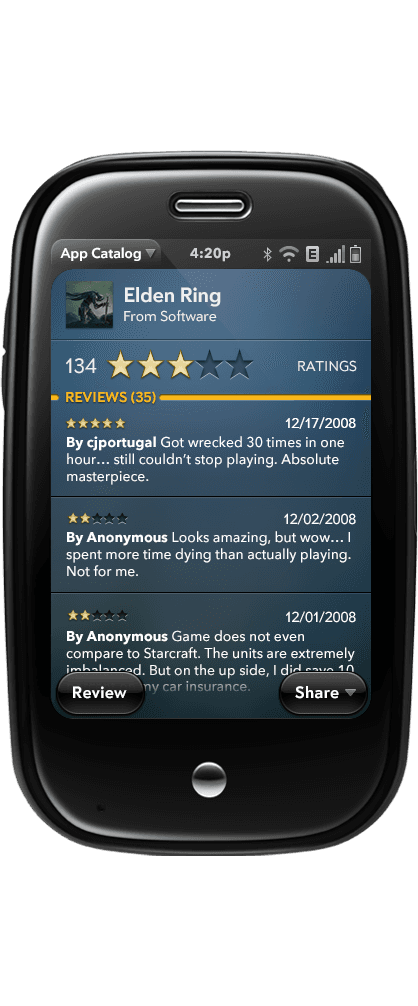
As part of the original webOS team, I helped design the App Catalog for the Palm Pre—Palm’s early response to the App Store and one of the first mobile app marketplaces.
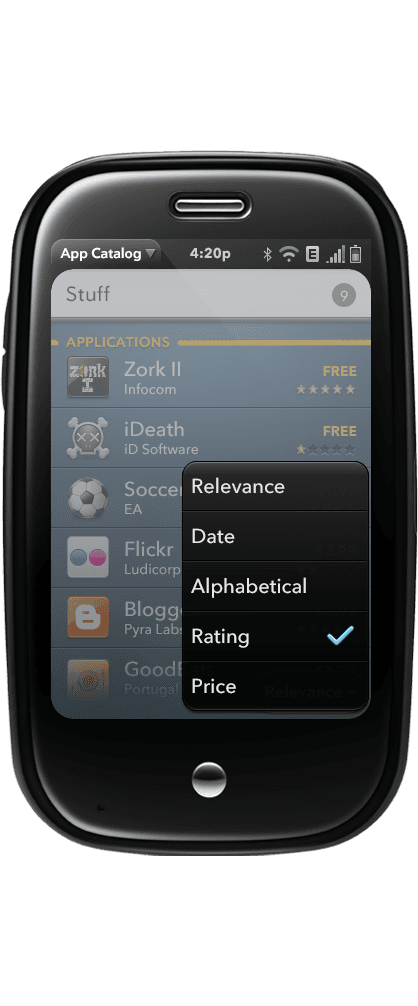
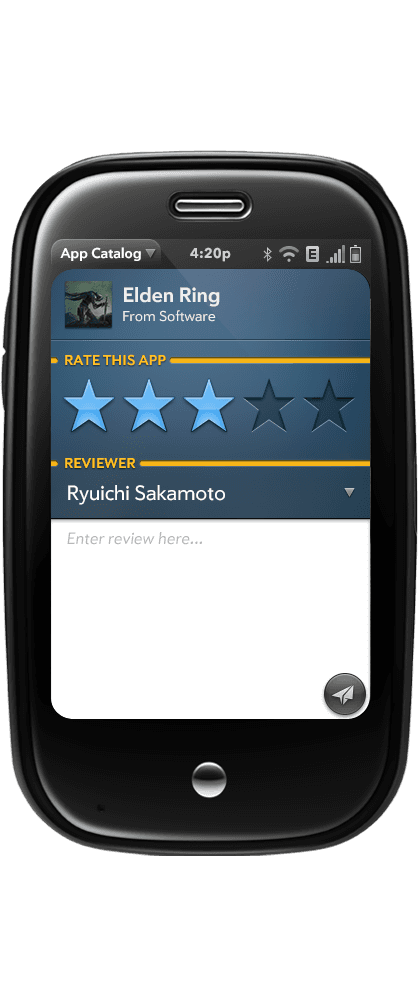
I created space-efficient layouts that prioritized app visuals and usability on the Pre’s 3.1" screen, and designed UI components tailored to the app. These were documented as part of the broader webOS design system.
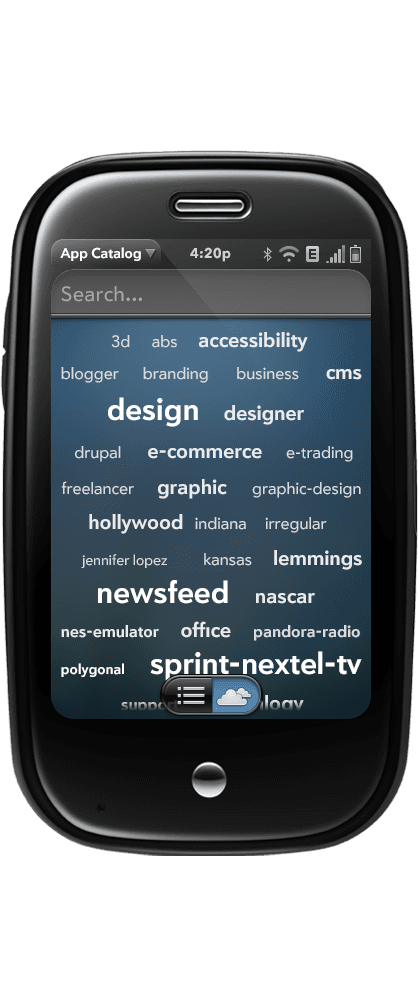
Working closely with engineers and interaction designers, we shipped an intuitive, polished app browsing and download experience. Some of our ideas—like the floating download button—went on to influence mobile design patterns still used today. Others, like the word cloud, didn’t stick (turns out small screens and tag clouds don’t mix).
App Catalog Screens
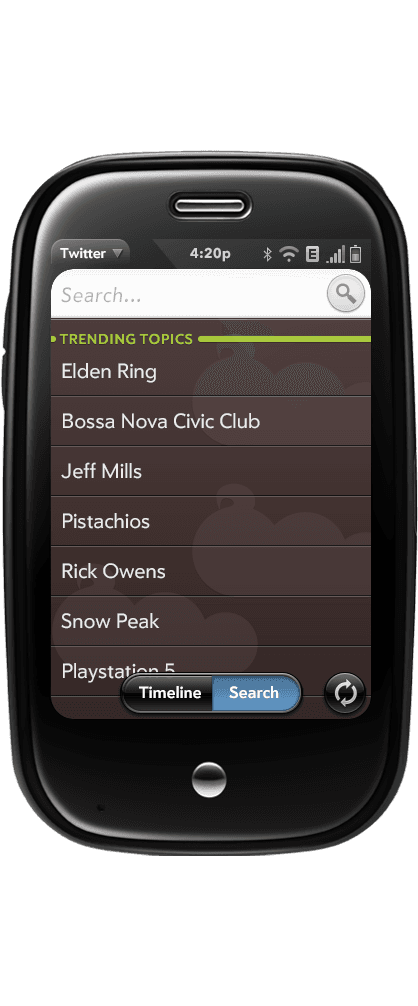
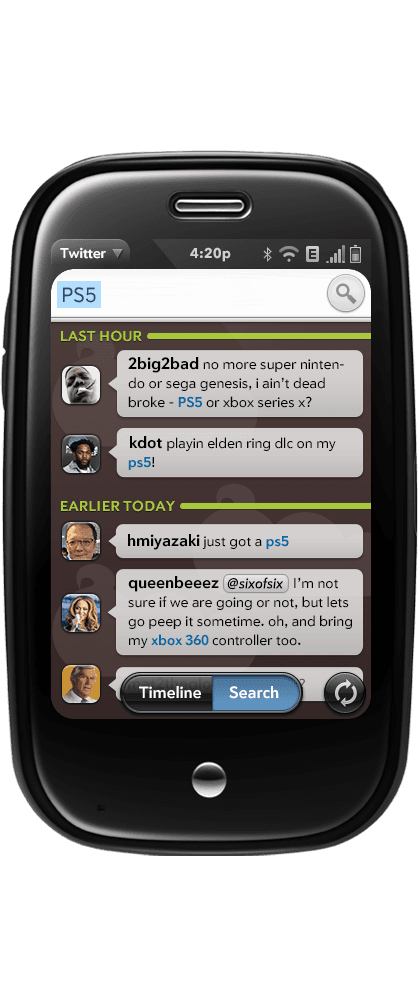
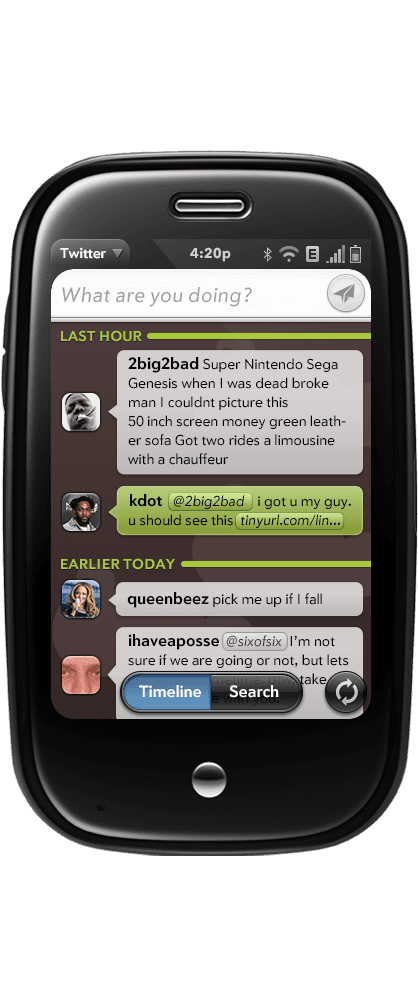
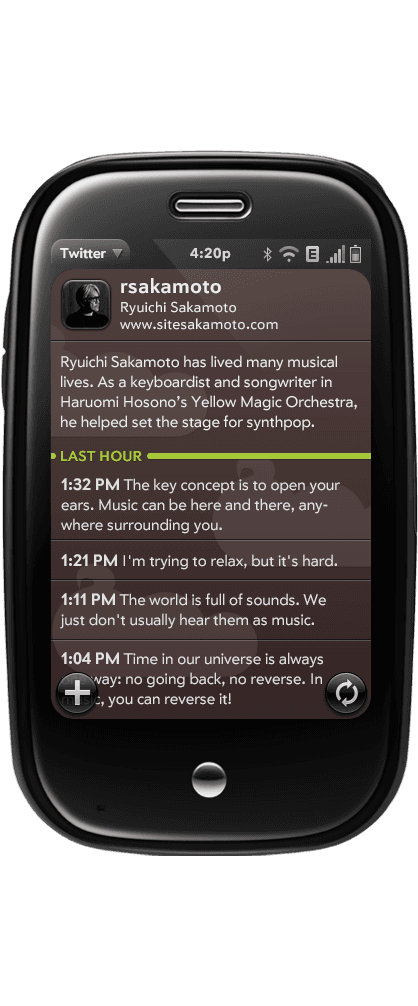
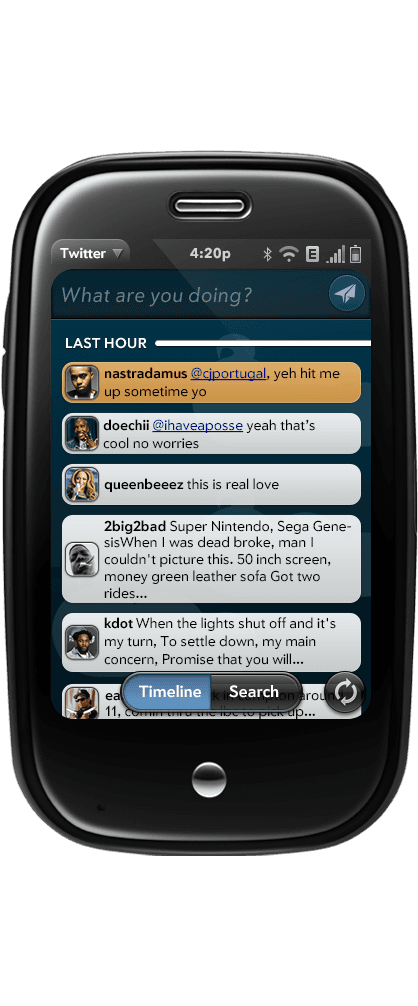
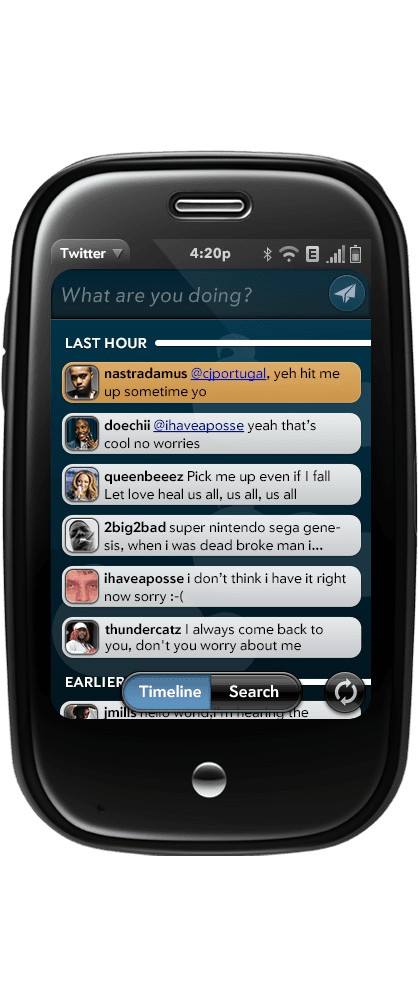
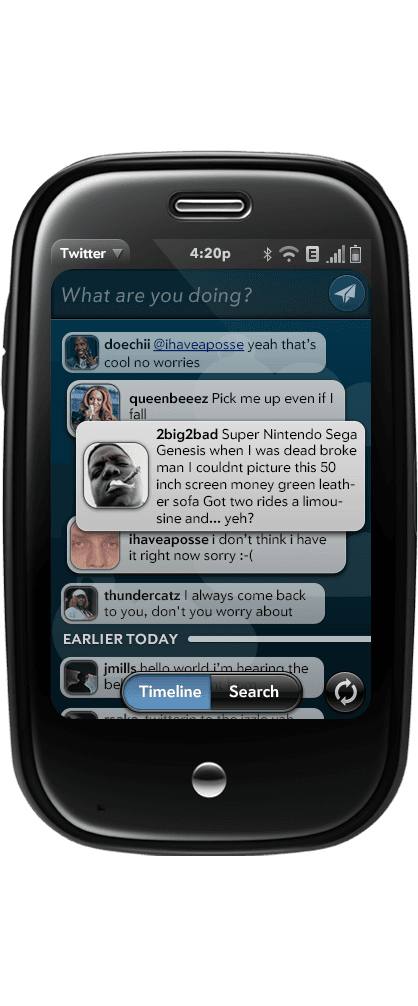
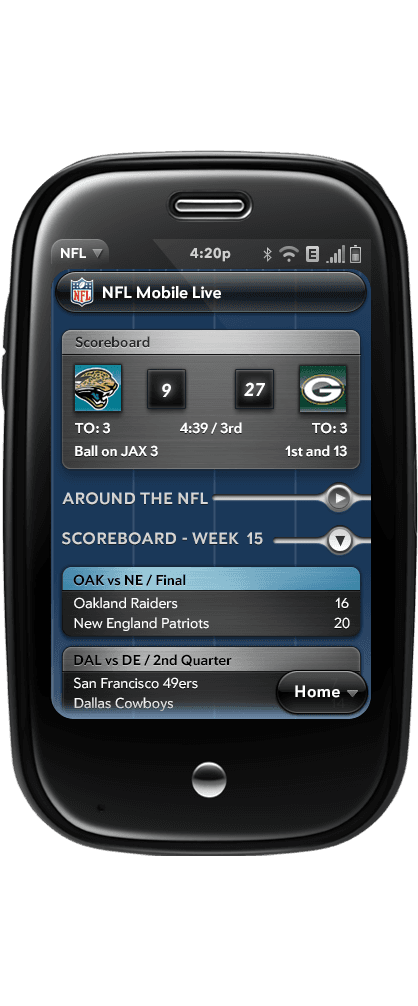
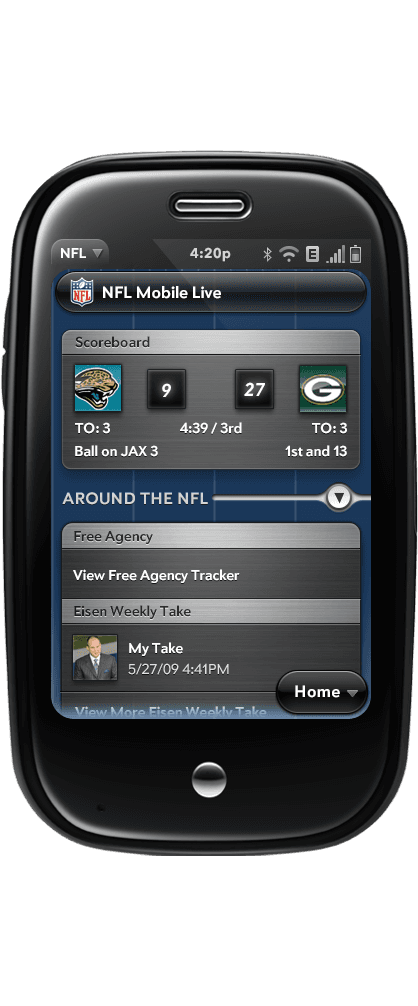
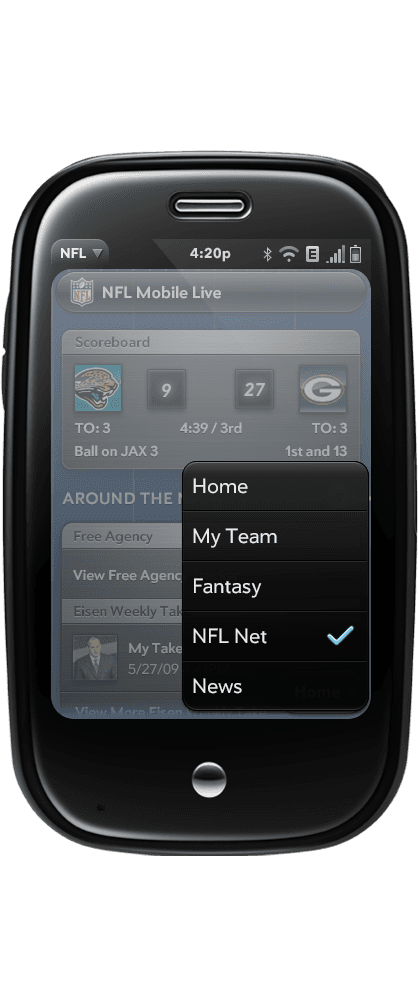
Third-Party Collaborations (NFL, Twitter):
Worked directly with external teams to deliver branded, visually consistent app experiences for launch—ensuring alignment with webOS standards and platform identity.
NFL
Data Transfer Assistant:
alm’s Synergy system was designed to pull together contacts and calendars from multiple accounts into one seamless, synced view. At the time, the vision was groundbreaking—but the execution was still catching up to the ambition (it would sync everything with no thought as to if you actually wanted that on your phone lol)
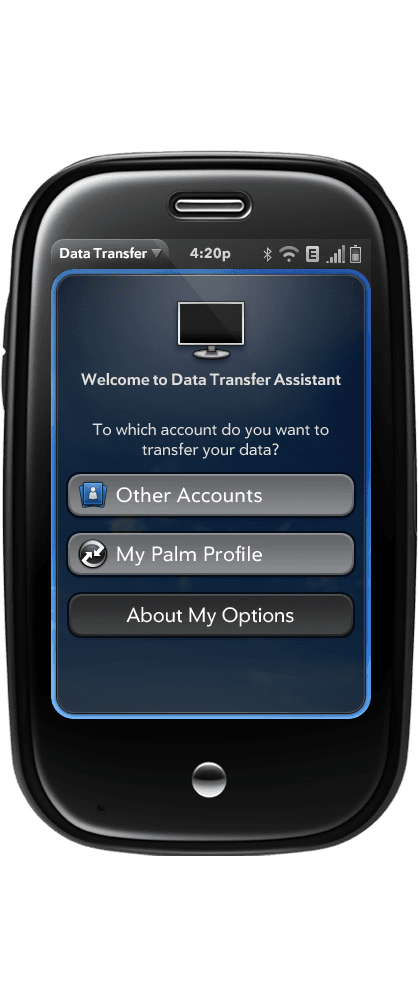
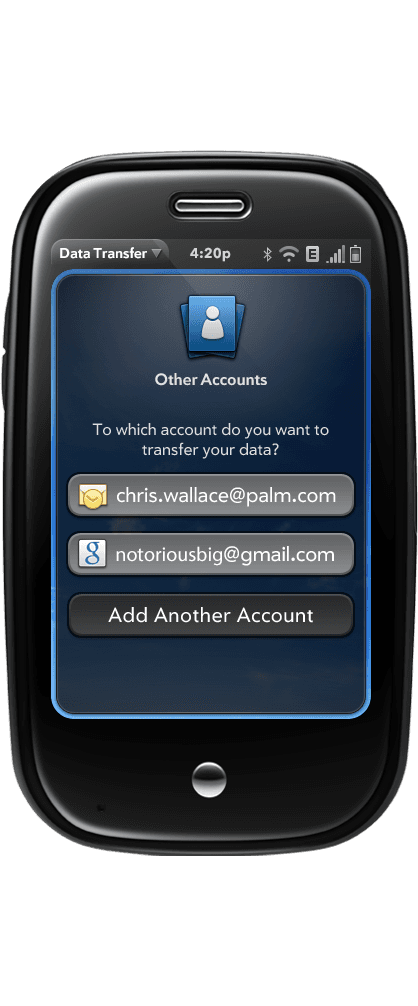
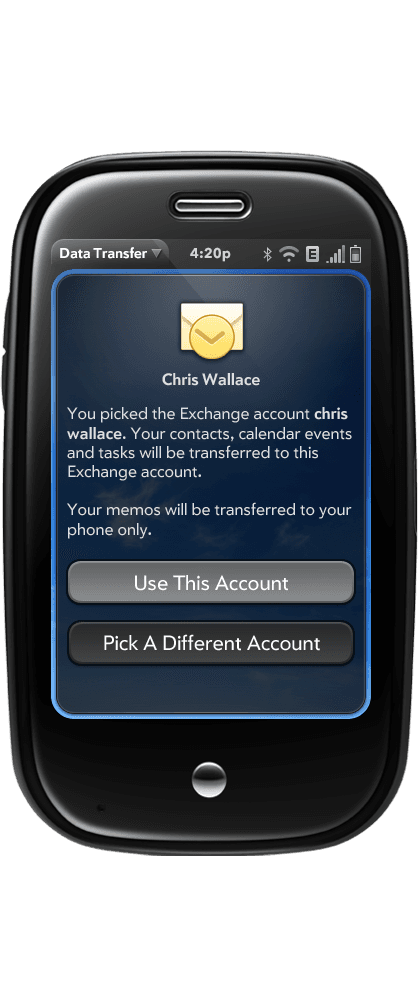
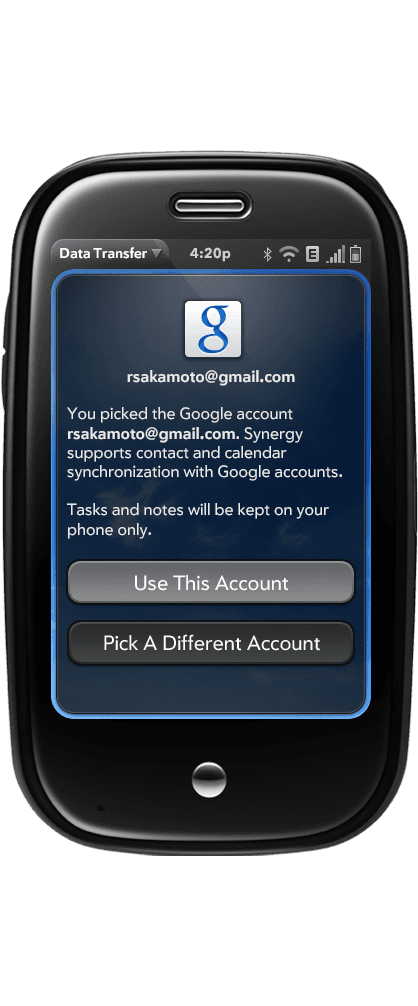
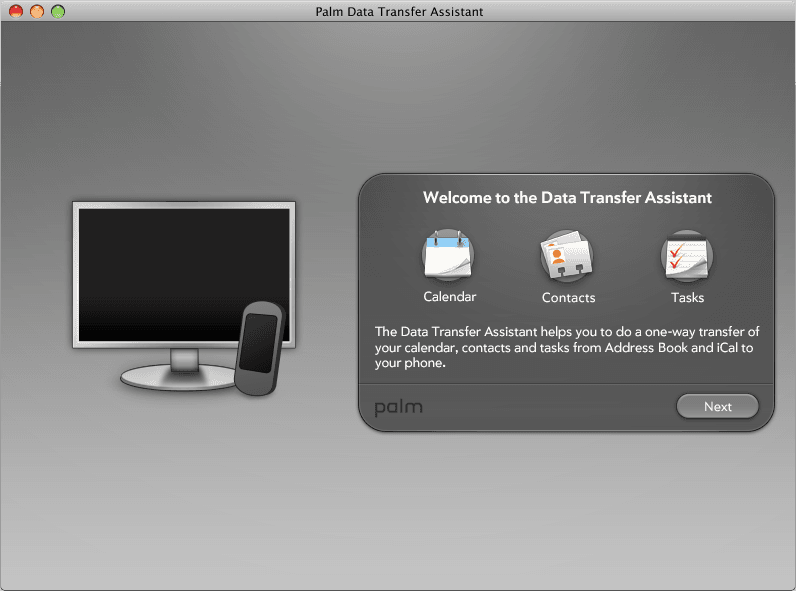
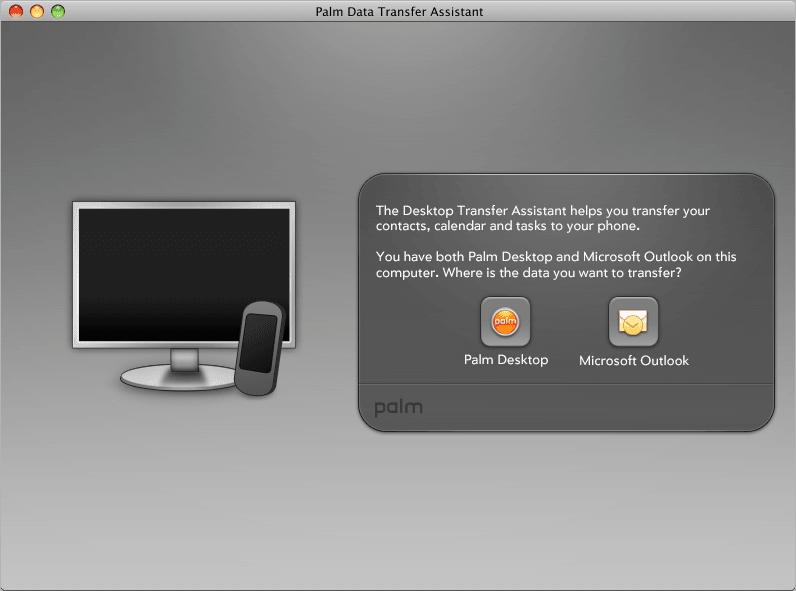
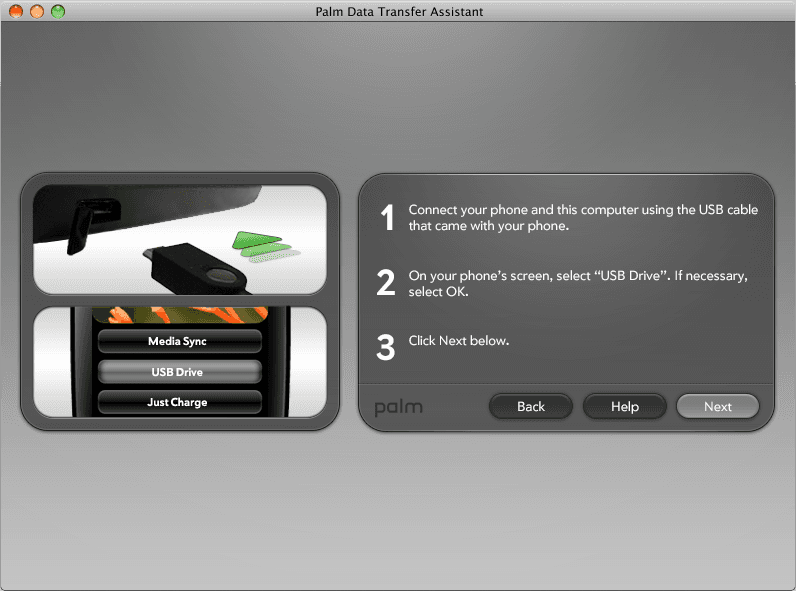
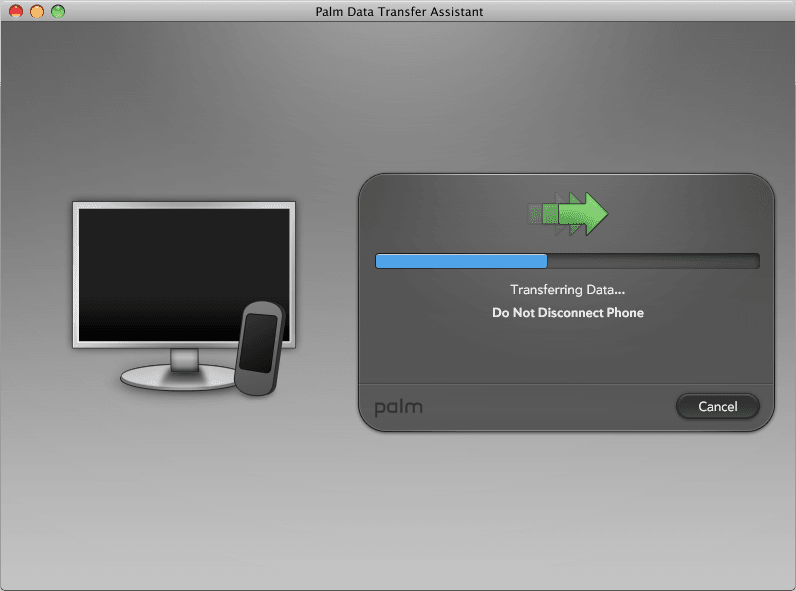
I worked on the Data Transfer Assistant, a companion app (on both desktop and mobile) that helped users move their data seamlessly onto their new webOS device—making setup feel smooth, intuitive, and stress-free.
Data Transfer Assistant (Mobile)
Data Transfer Assistant (Windows & OSX)
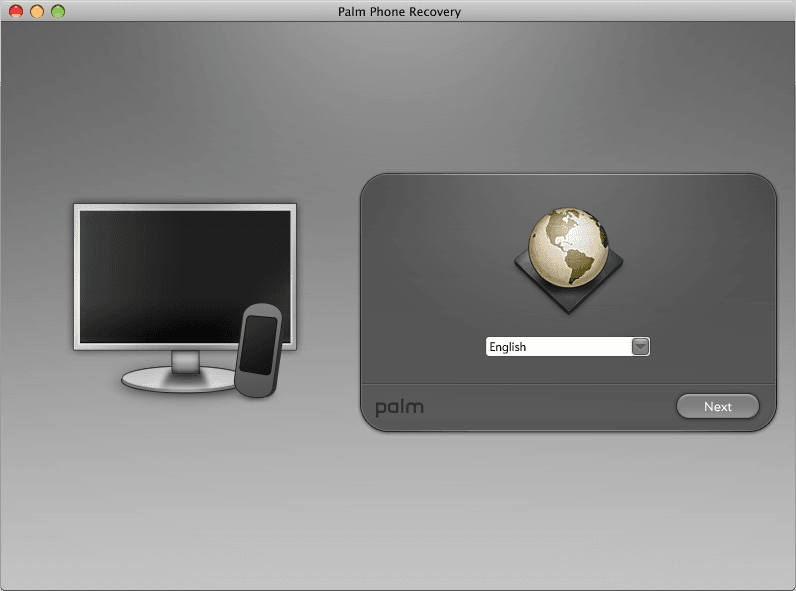
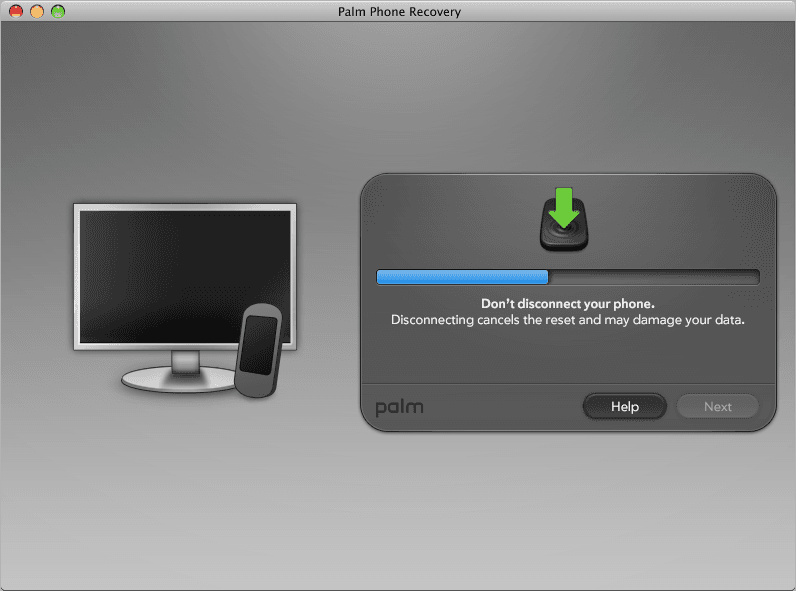
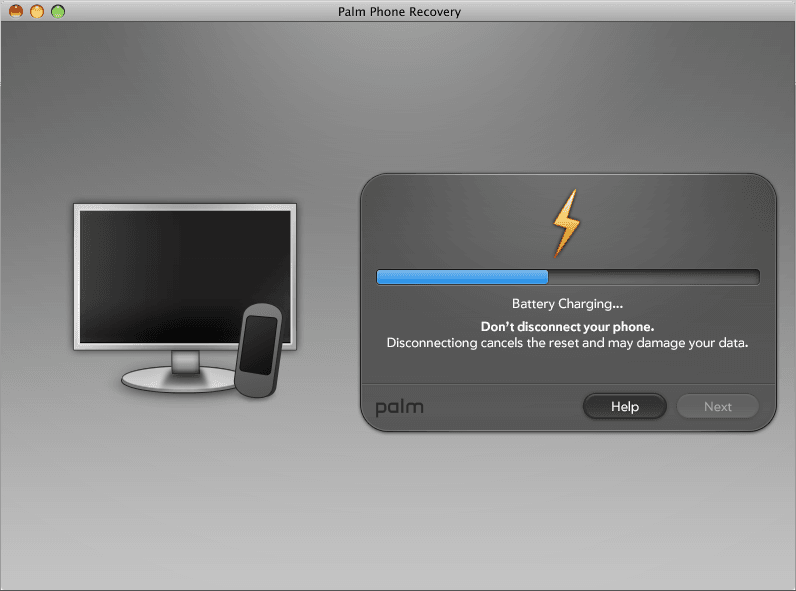
Phone Recovery Desktop App:
I also worked on visual design for Palm’s phone recovery tool, supporting users in restoring device functionality.
Phone Recovery
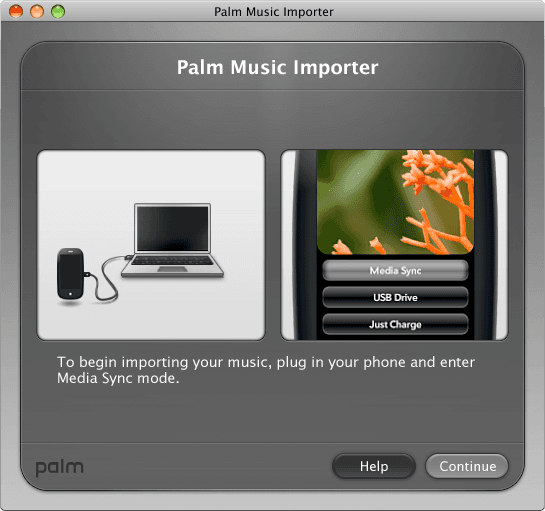
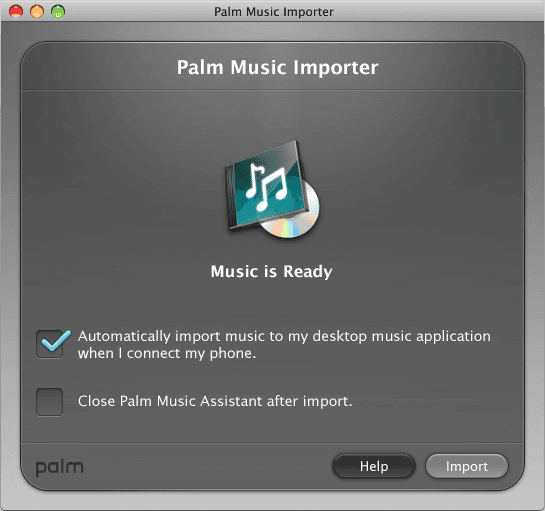
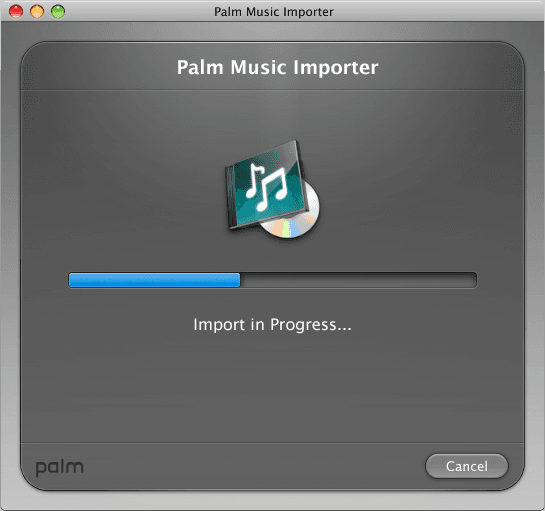
Palm Music Importer
This desktop app was used to transfer music from a user's computer to their Palm Pre.
Music Imposter
Icon Illustrations:
Designed various app icons and illustrations for WebOS apps. Here are a few of my favorite ones.
Icon Illustrations



Shipped App Catalog, which scaled 1M downloads in 18 days, a milestone for it's time
Helping companies such as the NFL, Twitter, and others deliver branded, visually consistent third-party apps for the Palm Pre
Contributed UI components and icon systems that helped define the early webOS visual identity.
Introduced new patterns into mobile design, earning industry recognition and inspiring later platforms.
Designing for the Palm Pre and webOS was a foundational chapter in my career.
Working on small screens with emerging patterns and a system-level visual language pushed me to prioritize clarity, hierarchy, and pixel-level precision—especially under tight constraints.
It’s where I first developed a deep appreciation for design systems and cross-functional collaboration, and it taught me to focus on what truly matters for users.
That mindset—balancing consistency, craft, and user impact—still guides how I approach product design today.